
Adding Touch to a 0.77-Inch OLED in Laboratory Instruments: The Real Options
A 0.77-inch 128x64 OLED is a compact readout, and it is not itself a touch surface, so any input has to be engineered around it rather than assumed. In laboratory instruments the right input method depends on the environment: gloves, liquids, precision and cleaning all push the choice. The realistic options are an added resistive or capacitive overlay, an external control surface, or keeping the display as a pure readout and moving input to physical keys. Each has a different cost in firmware, sealing and reliability.
Key takeaways
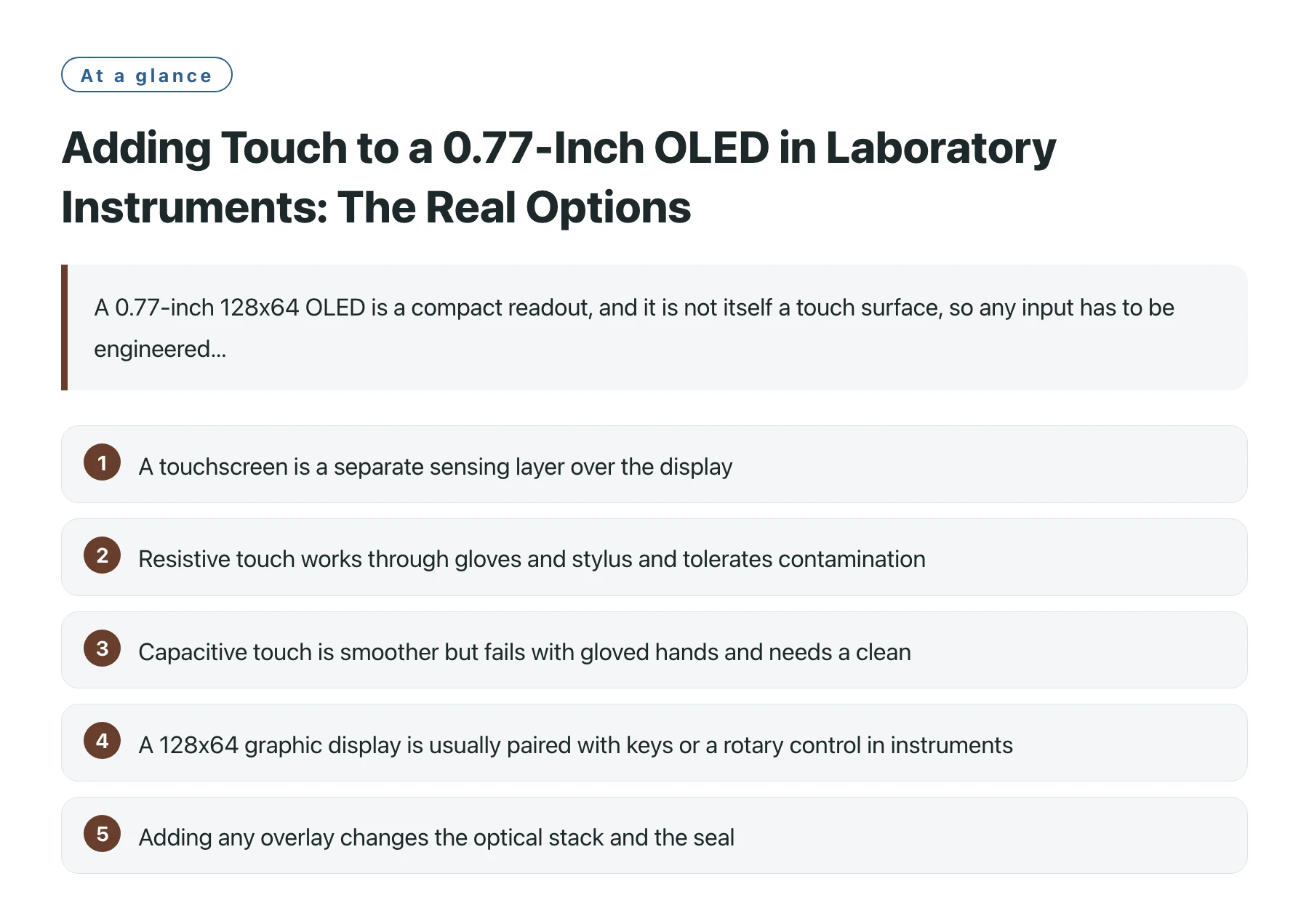
- A touchscreen is a separate sensing layer over the display, not a property of the OLED panel itself [1].
- Resistive touch works through gloves and stylus and tolerates contamination, which suits messy lab benches [2].
- Capacitive touch is smoother but fails with gloved hands and needs a clean, sealed surface to read reliably [3].
- A 128x64 graphic display is usually paired with keys or a rotary control in instruments, because the small area is a poor target for fingers.
- Adding any overlay changes the optical stack and the seal, which interacts with the instrument's ingress and cleaning requirements.
Laboratory instruments sit in a demanding input environment. Users wear gloves, spill reagents, need repeatable precision and expect the front panel to survive wiping with solvents. A small monochrome OLED is a perfectly good thing to read, but reading is not the same as controlling, and the control question is where designs go wrong.
Because the panel is not a touch device, the engineer chooses whether to add a touch layer at all. For a 128x64 readout the screen is small enough that finger touch is imprecise, which is why many instruments keep the display as a readout and put navigation on a keypad or encoder. That is a legitimate, often better, answer.
This article lays out the three real routes, the trade-offs each carries in a lab setting, and why the smallest option is sometimes no touch at all.
Resistive, capacitive or neither
A resistive overlay senses pressure through two separated conductive layers, so it responds to a glove, a stylus or a fingernail. In a lab where gloves are normal and surfaces get contaminated, that tolerance is valuable, and the overlay can be sealed as part of the front panel.
A capacitive overlay senses the body's capacitance and gives a smoother, multi-touch experience, but it reads poorly through gloves and demands a clean surface. On a bench that sees splashes and powders, that fragility is a real cost, and the surface must be carefully sealed and grounded.
The third option, and often the right one for a 128x64 readout, is no touch at all. Physical keys or an encoder give precise, gloved, wet-handed control and avoid disturbing the optical and sealing design of the display.
Input options against lab conditions
| Method | Gloves | Contamination | Precision on small area |
|---|---|---|---|
| Resistive overlay | Works | Tolerant | Moderate, needs stylus for fine |
| Capacitive overlay | Poor | Needs clean surface | Good but target is small |
| Keys or encoder | Works | Unaffected | High, dedicated controls |
| No touch (readout only) | N/A | N/A | N/A, input elsewhere |
What adding an overlay costs you
Any touch layer is an extra optical sheet in front of the OLED, which slightly reduces contrast and adds a reflection. On a small high-contrast readout that optical cost is noticeable, so the benefit of touch has to be real, not decorative.
It is also a sealing and grounding problem. A capacitive sensor in particular needs a stable reference and a clean front; a resistive one needs the two layers kept apart until pressed. Both interact with the instrument's ingress rating and cleaning procedure, which are usually more important to the lab than the input method.
For designers weighing the parts, DisplayModule displays in this size are offered as readout modules, and the touch decision is therefore a front-panel engineering task rather than a panel selection.
A further point often missed is that the input method and the readout are tested as one assembly, not separately. A resistive or capacitive layer in front of the OLED changes the optical path the user actually sees, so the legibility that was designed into the bare panel has to be confirmed again with the overlay fitted. In a laboratory this matters because a dim or reflective touch surface is read under variable bench lighting and sometimes through a guard or a glove. Designing the front panel as a single optical and sealing unit, then validating contrast and touch together, avoids the surprise of a display that looks fine bare and poor once the input layer is added.
For a 128x64 instrument readout, ask whether touch earns its optical and sealing cost. Keys or an encoder often give better gloved, wet-handed precision with less disruption to the display.
Sources
Frequently asked questions
Can I get this OLED as a touchscreen directly?
The module is a graphic readout; touch would be an added overlay you engineer into the front panel. The panel itself is not a touch device.
Which touch type suits a gloved lab user?
Resistive, because it responds to pressure from a glove or stylus and tolerates a contaminated surface. Capacitive struggles through gloves and needs a clean front.
Why might I skip touch entirely?
At 128x64 the area is a poor finger target, and keys or an encoder give precise, gloved, wet-handed control without disturbing the display's optics or seal.
Does an overlay hurt the readout?
It adds an optical sheet that can reduce contrast and add reflection, and it changes the sealing and grounding design. The benefit should justify that cost on a small high-contrast panel.